Category: MySQL & Other Databases

  • MongoDB Post Installation Configuration

    On the completion of MongoDB installation http://sqldbpool.com/2015/02/24/mongodb-installation-on-windows-server/, next step is to configure the MongoDB.

    Create a MongoDB config file using any text editor (e.g. NOTEPAD) and save it as MONGO.config into bin directory.

    ##to store data
    dbpath=C:\Program Files\MongoDB 2.6 Standard\Data
     
    ##all output loging
    logpath=C:\Program Files\MongoDB 2.6 Standard\Log\mongo.log
     
    ##log read and write operations
    diaglog=3
    

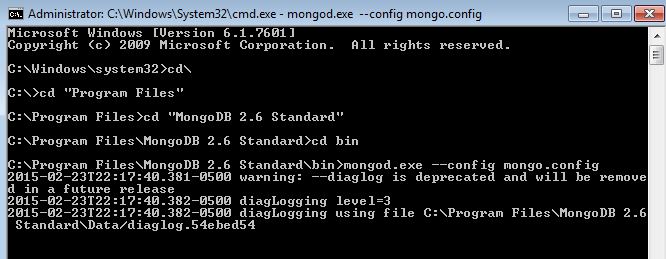
    Start MongoDB Server, make sure to open the command prompt as Administrator. Go to MongoDB bin directory and write the below command. It will start the MongoDB Server and keep the command prompt running, don’t close it.

    mongod.exe --config mongo.config
    

    MongoDBServer

    To connect to MongoDB open another window of command prompt, browse the bin directory and type the  MONGO command.
    startmongo

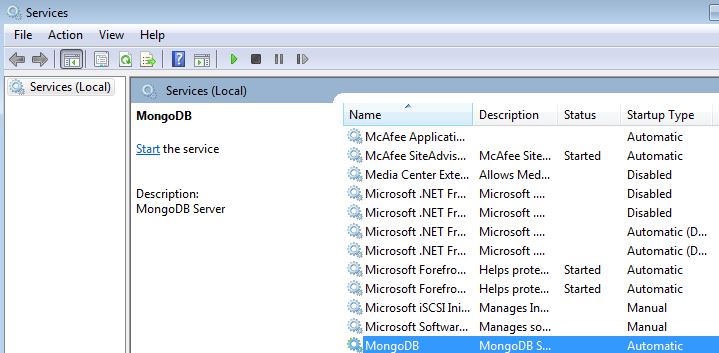
    You can also create the window service of MongoDB by executing below command. Make sure to open the command prompt as Aadministrator, otherwise you will get the access denied error.

    mongod --config mongo.config --install
    

    mongoservice

  • MongoDB Installation on Windows Server

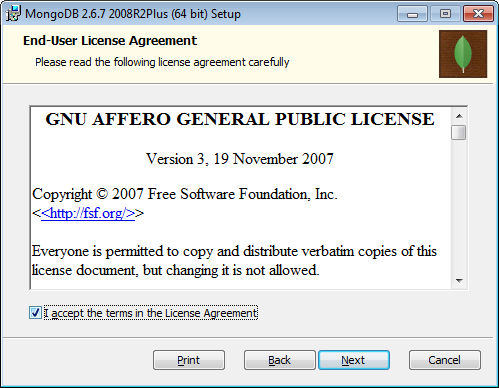
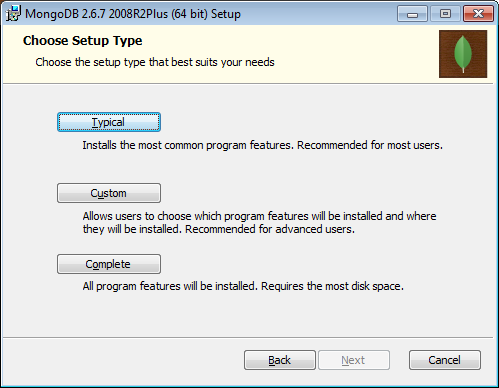
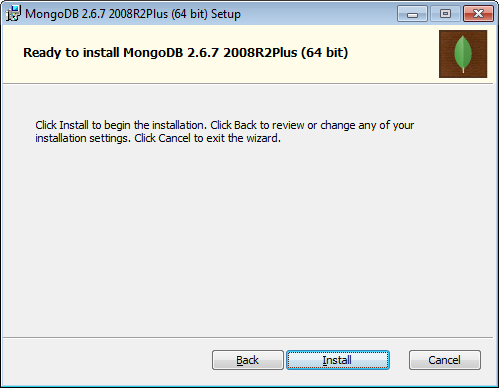
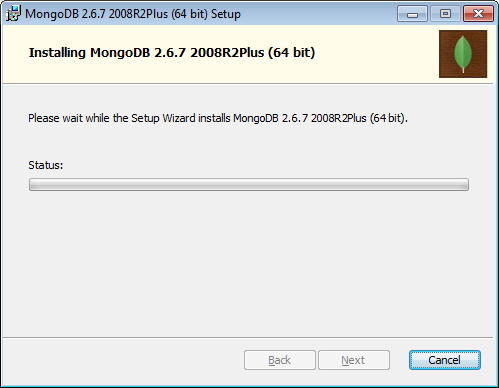
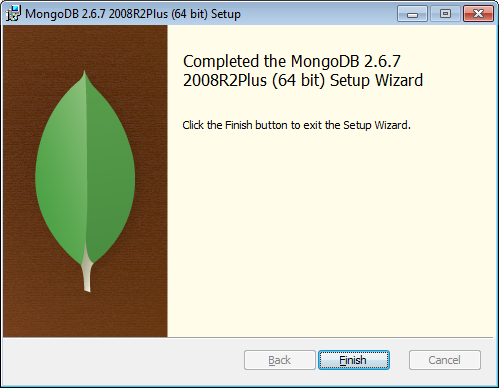
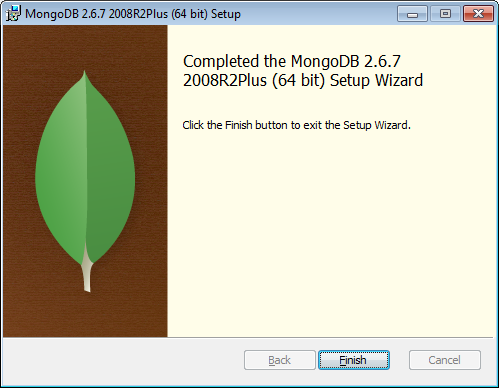
    You can download the MongoDB https://www.mongodb.org/downloads. Once you download the MongoDB (Version 2.6.7), follow below step by step to process to install MongoDB. Double click on mongodb-win32-x86_64-2008plus-2.6.7-signed.msi and follow below screen.


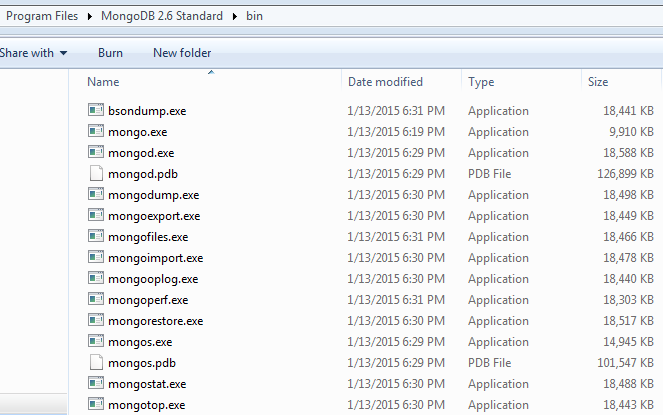
    You will see the below files into MongoDB folder.

  • T-SQL Script to find out the database file size, space used and available free space

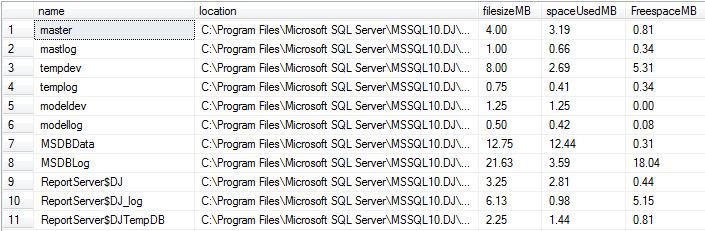
    While troubleshooting disk space issue, it is essential to know about the database file size statistics. You can execute below script to get database file size information.

    set nocount on
    
    create table #dbfileInfo(
    name varchar(300),
    location varchar(300),
    filesizeMB decimal(9,2),
    spaceUsedMB decimal(9,2),
    FreespaceMB decimal(9,2))
    
    declare @mySQL nvarchar(2000)
    DECLARE @dbName varchar(MAX)
    DECLARE @cur_DBName CURSOR
    
    SET @cur_DBName = CURSOR FOR
    select name from sys.databases
    
    OPEN @cur_DBName
    FETCH NEXT
    FROM @cur_DBName INTO @dbName
    WHILE @@FETCH_STATUS = 0
    BEGIN
    PRINT @dbName
    if DATABASEPROPERTYEX(@dbName, 'status') = 'ONLINE'
    begin
    select @mySQL = 
        '
            use ' + @dbname + '
            INSERT INTO #dbfileInfo
            select
          name
        , filename
        , convert(decimal(12,2),round(a.size/128.000,2)) as FileSizeMB
        , convert(decimal(12,2),round(fileproperty(a.name,''SpaceUsed'')/128.000,2)) as SpaceUsedMB
        , convert(decimal(12,2),round((a.size-fileproperty(a.name,''SpaceUsed''))/128.000,2)) as FreeSpaceMB
        from dbo.sysfiles a
        '
        exec sp_executesql @mySQL
    end
    FETCH NEXT
    FROM @cur_DBName INTO @dbName
    
    END
    CLOSE @cur_DBName
    DEALLOCATE @cur_DBName
    GO
    
    select * from #dbfileInfo
    drop table #dbfileInfo
    

    FileOutput

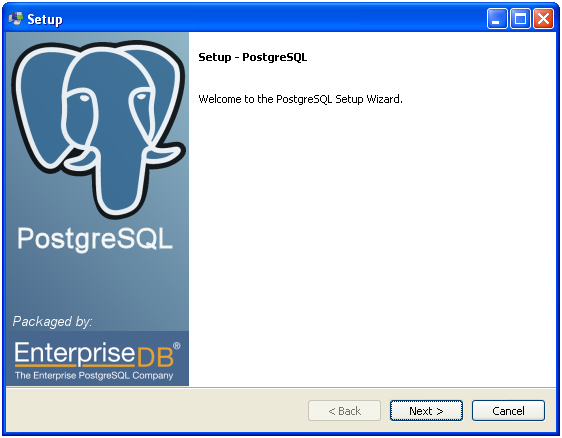
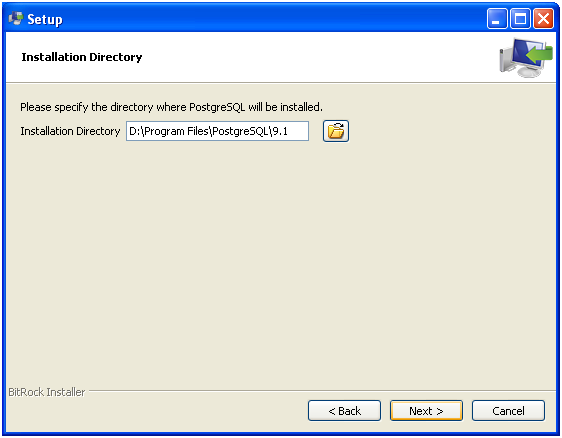
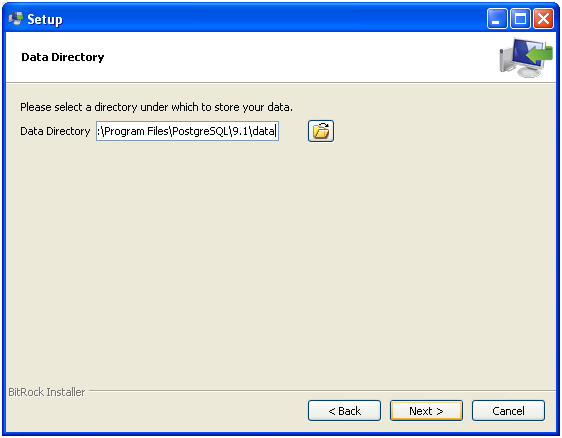
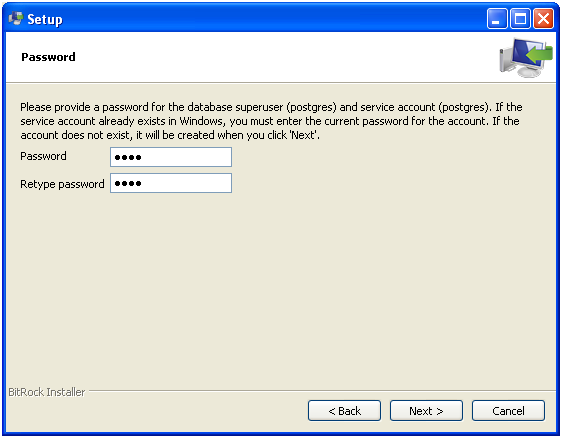
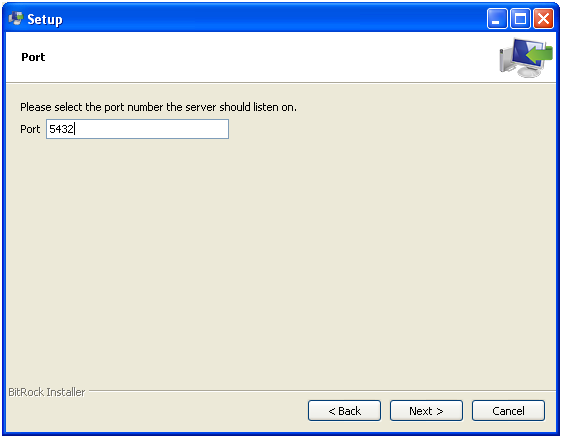
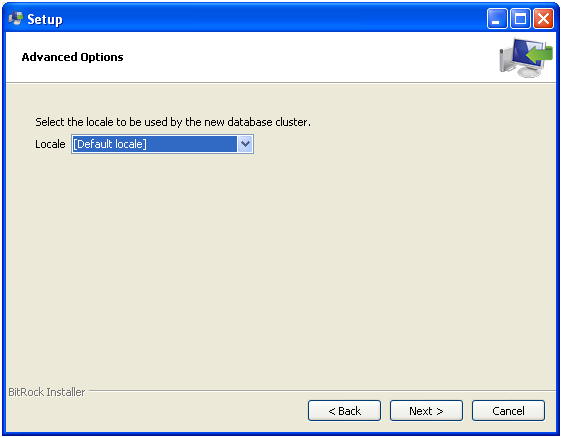
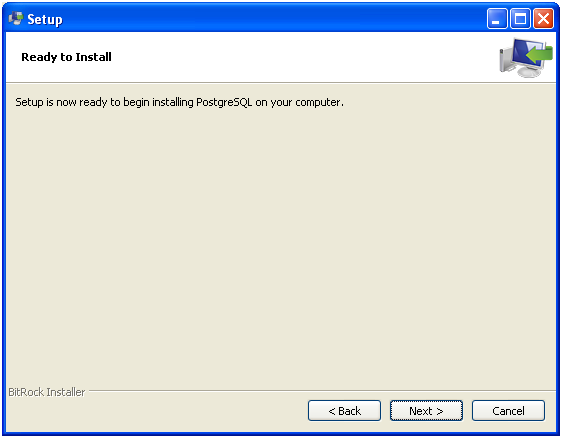
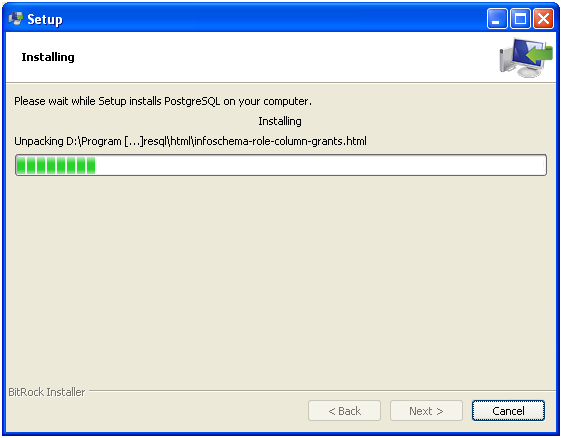
  • Steps to install the PostgreSQL on windows

    Steps to install the PostgreSQL on windows


    You can get the PostGreSQL installable from the http://www.postgresql.org/download/ site.

    In the below step setup will create the super user PostGres for the database and service account.

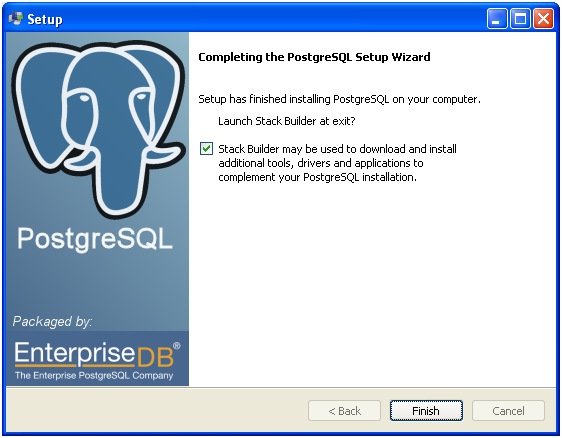
    Un-check the stack builder if you don’t want to download any additional tools.

  • What is PostgreSQL?

    PostgreSQL is an object-relational database management system (ORDBMS) based on POSTGRES, Version 4.2, developed at the University of California at Berkeley Computer Science Department. PostgreSQL is open source database system which supports all the below features.


    • complex queries
    • foreign keys
    • triggers
    • views
    • transactional integrity
    • multiversion concurrency control


    Also, PostgreSQL can be extended by the user in many ways, for example by adding new

    • data types
    • functions
    • operators
    • aggregate functions
    • index methods
    • procedural languages


    License

    PostgreSQL can be used, modified, and distributed by anyone free of charge for any purpose, be it private, commercial, or academic