On the completion of MongoDB installation http://sqldbpool.com/2015/02/24/mongodb-installation-on-windows-server/, next step is to configure the MongoDB.
Create a MongoDB config file using any text editor (e.g. NOTEPAD) and save it as MONGO.config into bin directory.
##to store data
dbpath=C:\Program Files\MongoDB 2.6 Standard\Data

##all output loging
logpath=C:\Program Files\MongoDB 2.6 Standard\Log\mongo.log

##log read and write operations
diaglog=3
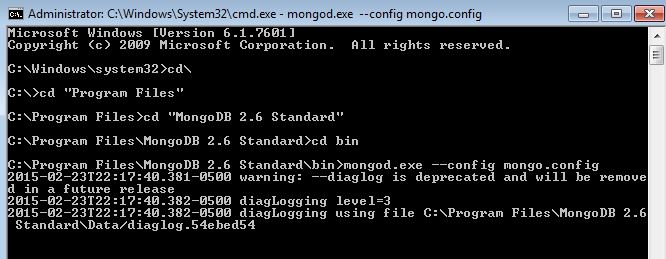
Start MongoDB Server, make sure to open the command prompt as Administrator. Go to MongoDB bin directory and write the below command. It will start the MongoDB Server and keep the command prompt running, don’t close it.
mongod.exe --config mongo.config
To connect to MongoDB open another window of command prompt, browse the bin directory and type the MONGO command.

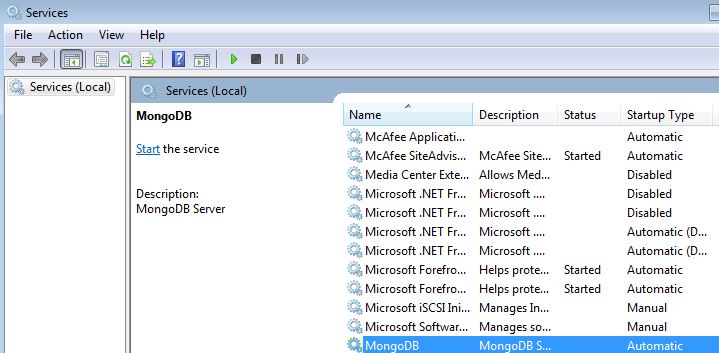
You can also create the window service of MongoDB by executing below command. Make sure to open the command prompt as Aadministrator, otherwise you will get the access denied error.
mongod --config mongo.config --install