Author: Jugal Shah

  • How to give password to the excel file?

    Most of us know, how to give the password to the excel file. But we are not giving it J, As best practice if you are exporting data to excel file and sharing with the client, never forget it to make it password protected.


    To make the excel file password protected follow below steps.

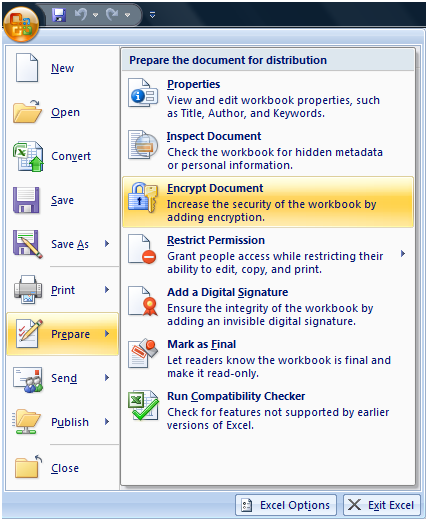
    Step 1: File -> Prepare -> Encrypt Document
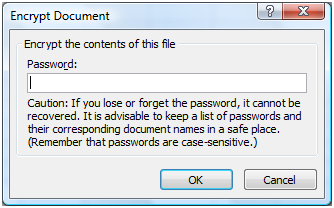
    Step 2: Enter and Re-enter the password.
    Step 3: Save the file.
  • User ‘XXXX’ does not have required permissions. Verify that sufficient permissions have been granted and Windows User Account Control (UAC) restrictions have been addressed.

    Today while configuring the Reporting Service I got the below error.


    User ‘XXXXX’ does not have required permissions. Verify that sufficient permissions have been granted and Windows User Account Control (UAC) restrictions have been addressed.


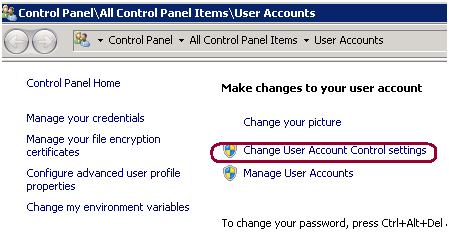
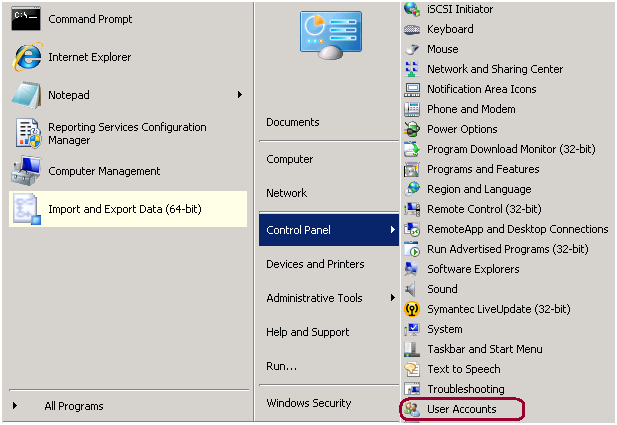
    You can change the UAC Restriction by following the below steps.

    Step 1: Go to Start -> Control Panel -> User Accounts


    Step 2: Click on Change User Account Control settings.


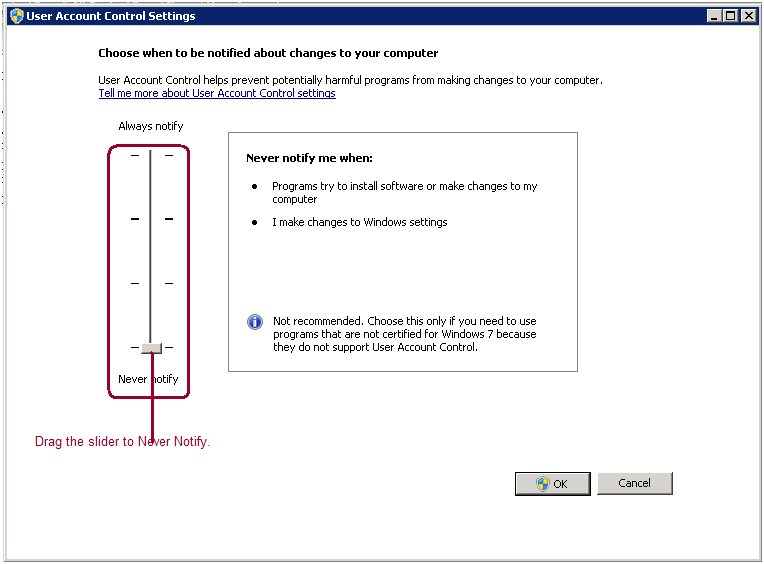
    Step 3: Drag the slider to never notify and it will fix the issue.

    Step 4: Reboot the box and issue will be fixed. To reboot you can use the shutdown –i dos command as well.

  • Steps to install the PostgreSQL on windows

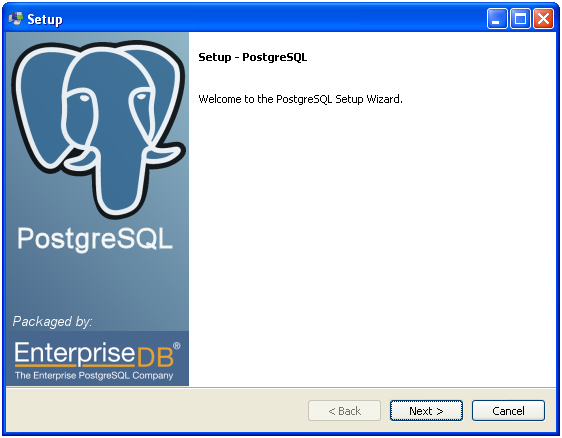
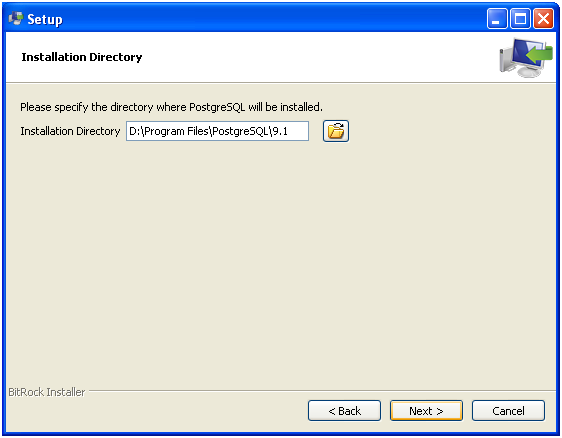
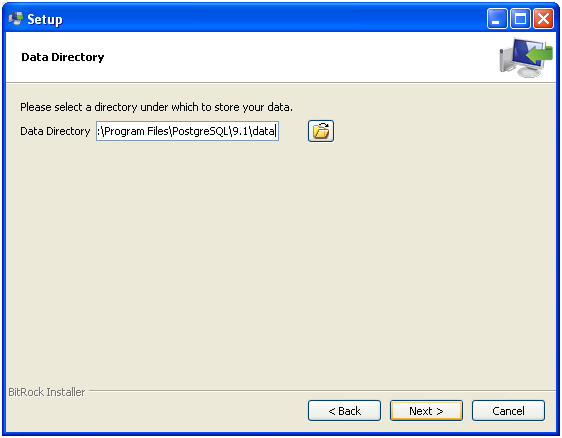
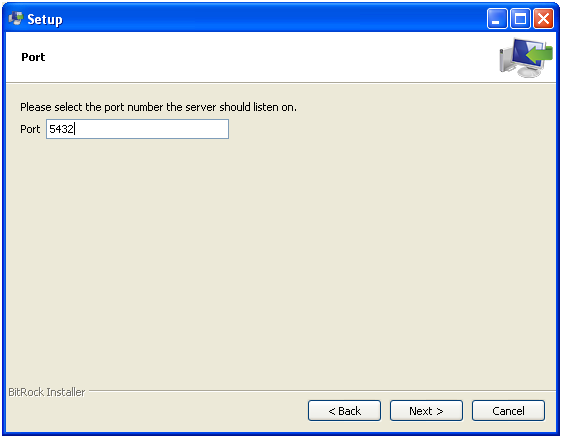
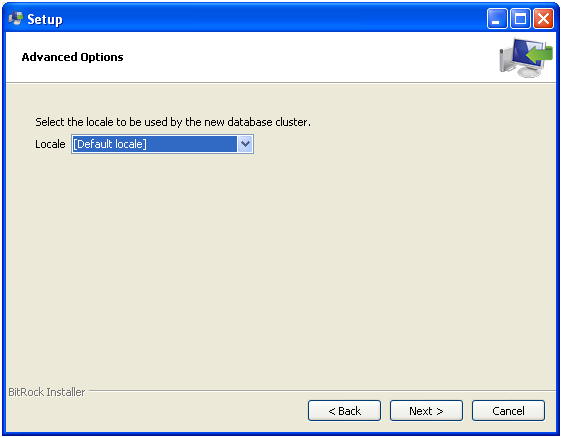
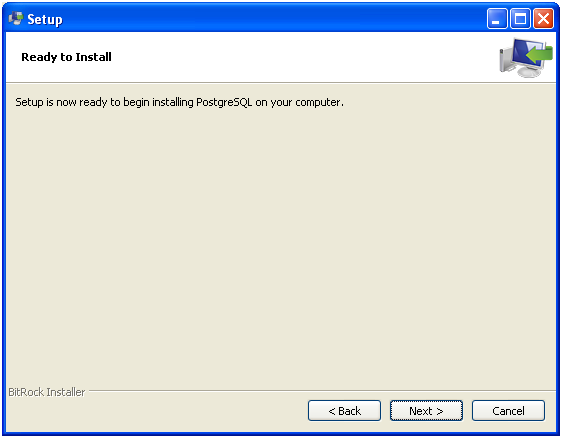
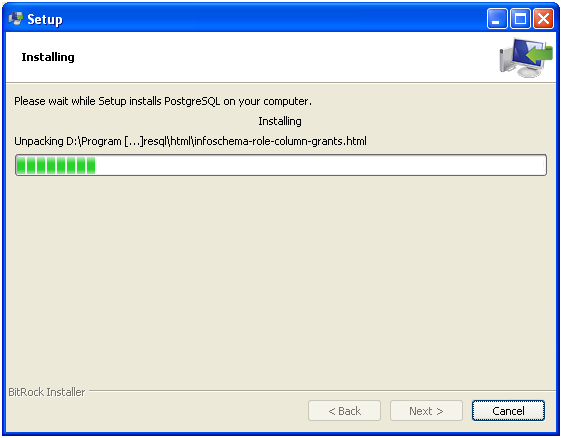
    Steps to install the PostgreSQL on windows


    You can get the PostGreSQL installable from the http://www.postgresql.org/download/ site.

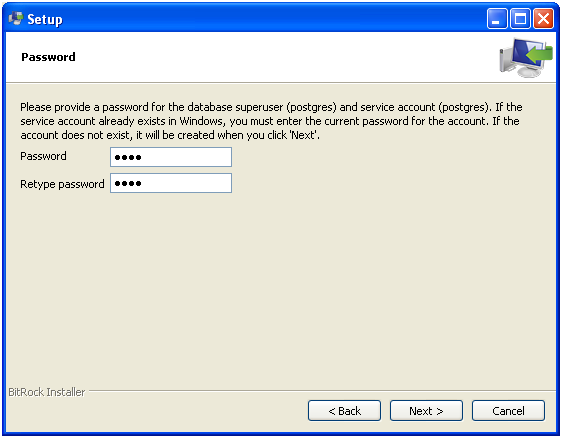
    In the below step setup will create the super user PostGres for the database and service account.

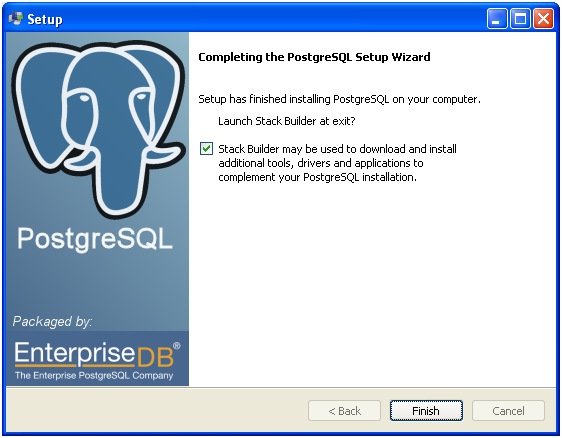
    Un-check the stack builder if you don’t want to download any additional tools.

  • What is PostgreSQL?

    PostgreSQL is an object-relational database management system (ORDBMS) based on POSTGRES, Version 4.2, developed at the University of California at Berkeley Computer Science Department. PostgreSQL is open source database system which supports all the below features.


    • complex queries
    • foreign keys
    • triggers
    • views
    • transactional integrity
    • multiversion concurrency control


    Also, PostgreSQL can be extended by the user in many ways, for example by adding new

    • data types
    • functions
    • operators
    • aggregate functions
    • index methods
    • procedural languages


    License

    PostgreSQL can be used, modified, and distributed by anyone free of charge for any purpose, be it private, commercial, or academic

  • Steps to change logged in account password on Remote Desktop Session Windows Server 2008/R2 box

    You can follow the below steps to change the password of the logged in account using RDP.

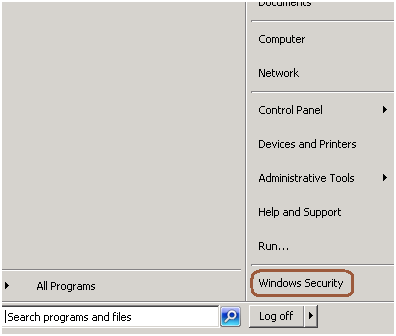
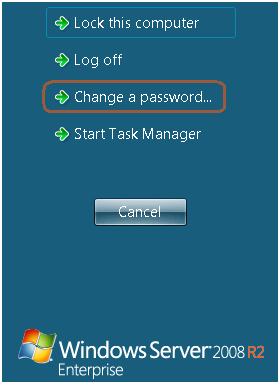
    Step 1: Go to Start -> Windows Security

    Step 2: Click on change password

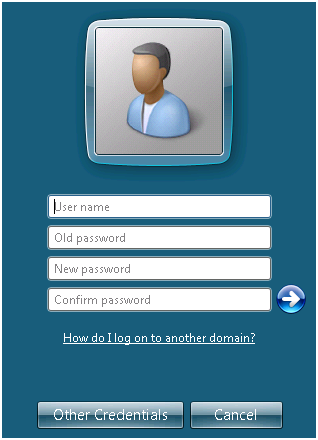
    Step 3: Change the password as mentioned in the below screen.