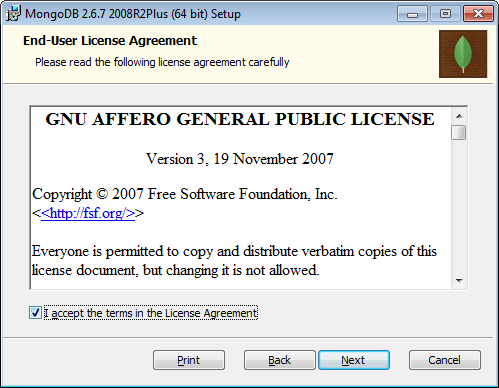
You can download the MongoDB https://www.mongodb.org/downloads. Once you download the MongoDB (Version 2.6.7), follow below step by step to process to install MongoDB. Double click on mongodb-win32-x86_64-2008plus-2.6.7-signed.msi and follow below screen.



You will see the below files into MongoDB folder.

 aiDeeva.com