Category Archives: Notes

All Articles

User ‘XXXX’ does not have required permissions. Verify that sufficient permissions have been granted and Windows User Account Control (UAC) restrictions have been addressed.

Today while configuring the Reporting Service I got the below error.


User ‘XXXXX’ does not have required permissions. Verify that sufficient permissions have been granted and Windows User Account Control (UAC) restrictions have been addressed.


You can change the UAC Restriction by following the below steps.

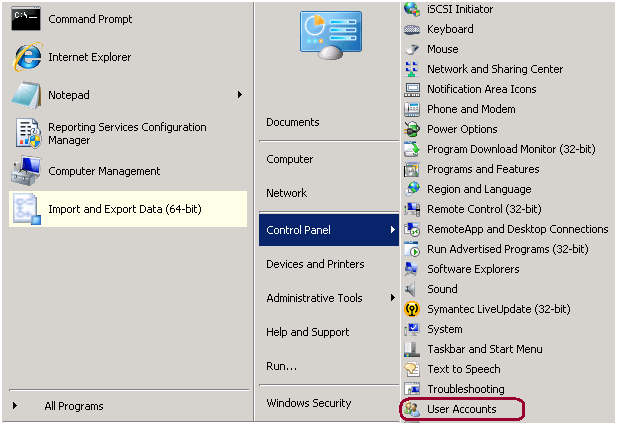
Step 1: Go to Start -> Control Panel -> User Accounts


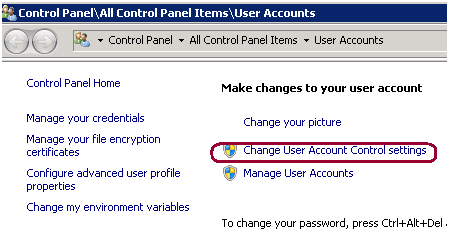
Step 2: Click on Change User Account Control settings.

Step 3: Drag the slider to never notify and it will fix the issue.
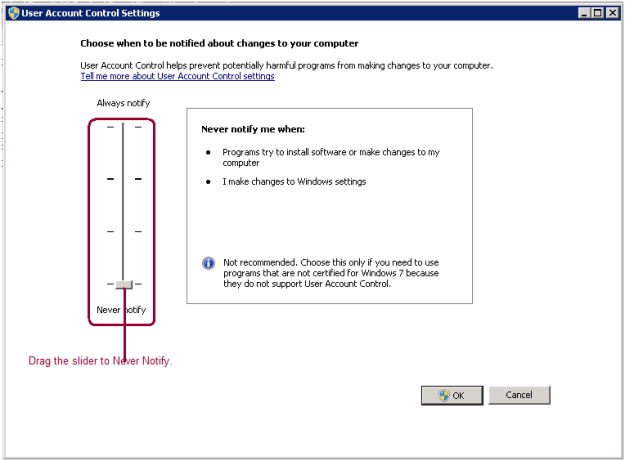
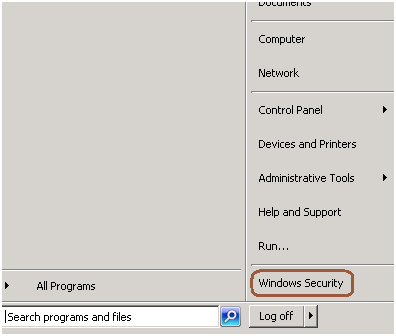
Step 4: Reboot the box and issue will be fixed. To reboot you can use the shutdown –i dos command as well.

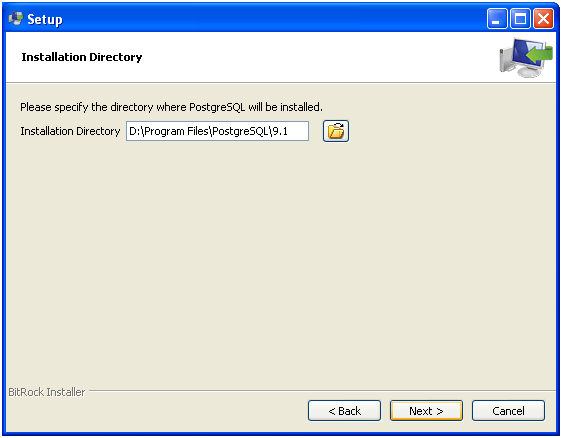
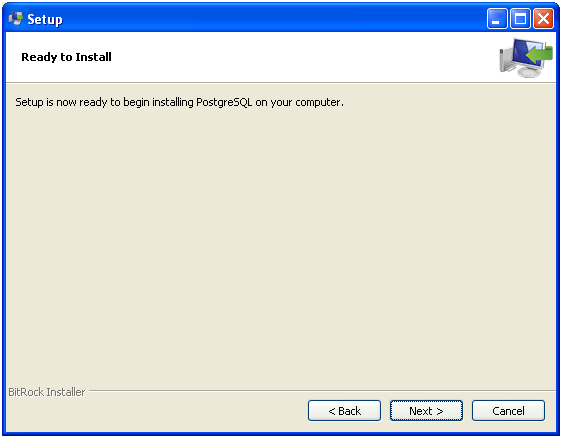
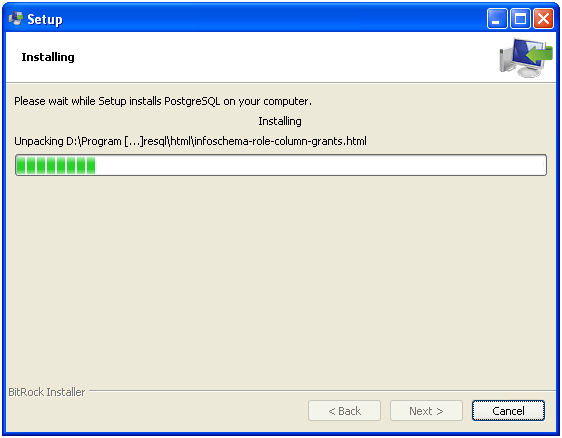
Steps to install the PostgreSQL on windows

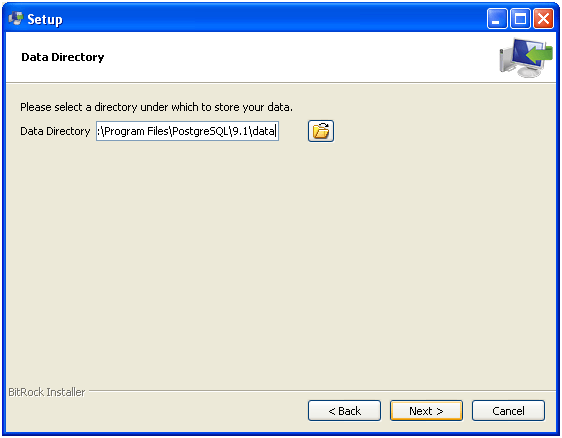
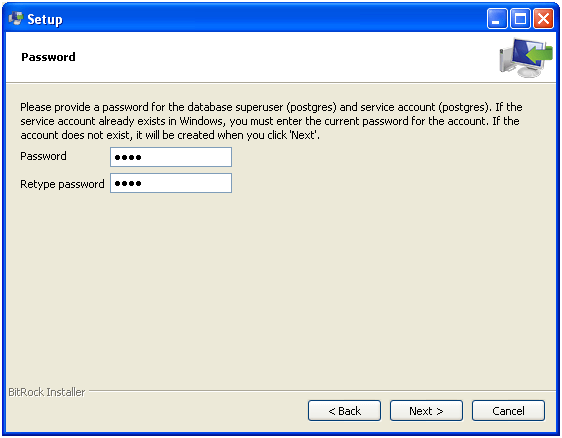
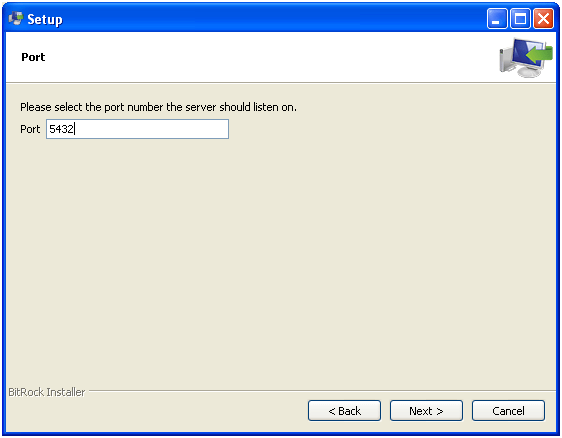
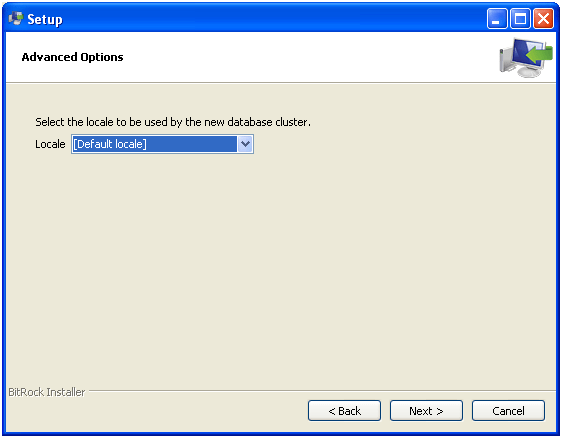
Steps to install the PostgreSQL on windows


You can get the PostGreSQL installable from the http://www.postgresql.org/download/ site.

In the below step setup will create the super user PostGres for the database and service account.

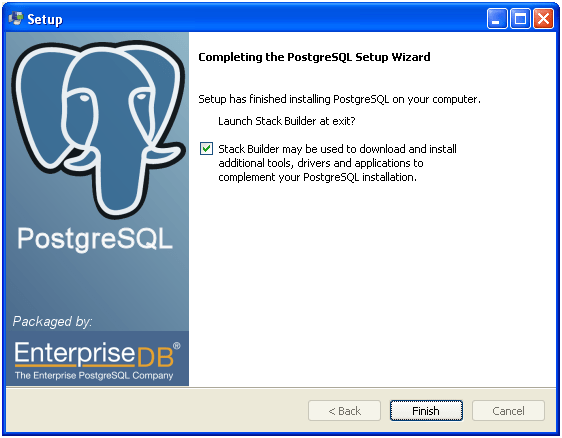
Un-check the stack builder if you don’t want to download any additional tools.

What is PostgreSQL?

PostgreSQL is an object-relational database management system (ORDBMS) based on POSTGRES, Version 4.2, developed at the University of California at Berkeley Computer Science Department. PostgreSQL is open source database system which supports all the below features.


  • complex queries
  • foreign keys
  • triggers
  • views
  • transactional integrity
  • multiversion concurrency control


Also, PostgreSQL can be extended by the user in many ways, for example by adding new

  • data types
  • functions
  • operators
  • aggregate functions
  • index methods
  • procedural languages


License

PostgreSQL can be used, modified, and distributed by anyone free of charge for any purpose, be it private, commercial, or academic

Setting the PowerShell Execution Policy

Problem
Recently I moved PowerShell script files to a production environment and when executing it from the command prompt, I got this error: “File cannot be loaded because the execution of scripts is disabled on this system. Please see “get-help about_signing” for more details”. In this tip we cover what needs to be done to resolve this issue.

Solution
http://www.mssqltips.com/sqlservertip/2702/setting-the-powershell-execution-policy/